Why isn’t Instagram letting me download videos?
Introduction
You found a funny or inspiring Reel, you copied the link, pasted it into the downloader… and then saw an error message. Or maybe the download button just didn’t work and thinking why isn’t Instagram letting me download videos?
It is incredibly frustrating when technology fails. But don’t worry—99% of the time, the reason you can’t download an Instagram Reel is actually very simple.
In this guide, we will explain the 3 most common reasons for download failures and how you can fix them in seconds.
If you are trying to save a video from Facebook, please use our dedicated Facebook Downloader Tool
Reason 1: The Account is Private (The #1 Cause)
This is the most common reason why downloads fail.
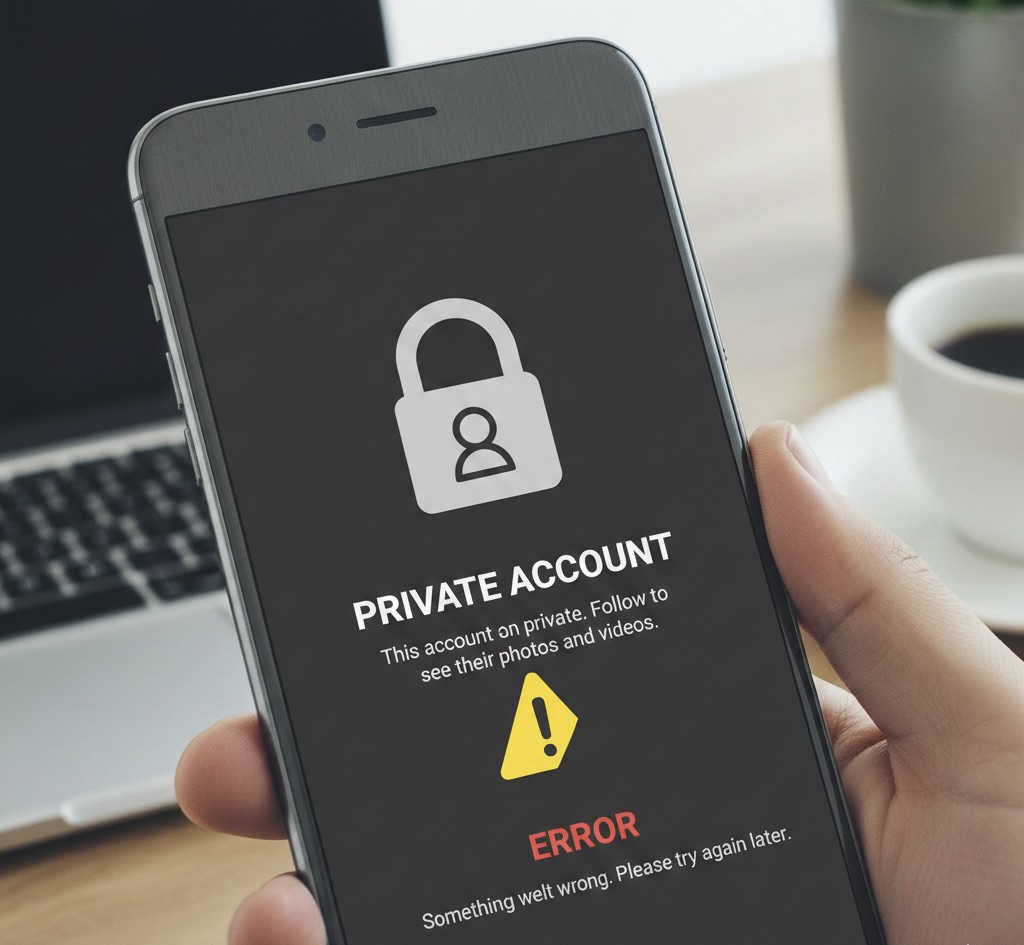
Thinking Why isn’t Instagram letting me download videos? Here is the answer. Instagram has strict privacy settings. If a user has set their profile to “Private” (indicated by a Lock icon on their profile), third-party tools like SocialDownload.app cannot access their videos.
How to check:
- Click on the username of the person who posted the Reel.
- Look at their profile page.
- If it says “This Account is Private”, you cannot download the video using any online tool.
The Fix: Unfortunately, there is no legal “fix” for this. We respect user privacy and cannot bypass this lock. Your only option is to use your phone’s Screen Recorder.
Reason 2: The “Ghost” Link (Copy-Paste Error)
Sometimes, the link you copied is incomplete or “expired.” This often happens if you copied the link hours ago but only tried to download it now.
Also, when you click “Share” on Instagram, the app often adds extra tracking text to the end of the URL (like ?igshid=YmMyMTA2M2Y=) which can sometimes confuse downloaders.
The Fix:
- Go back to the Instagram app.
- Refresh the Reel.
- Click Share > Copy Link again.
- Immediately paste it into SocialDownload.app and hit Download.
Reason 3: Region or Music Restrictions
The ‘Instagram Music Not Available’ error typically occurs due to licensing restrictions in your region or an outdated app cache. To fix it, try switching your account type to ‘Creator’, clearing your app cache, or using a VPN to change your virtual location.
Have you ever seen a Reel that says “Instagram Music is not available in your region”?
If a creator uses a song that is copyrighted or blocked in certain countries (like the USA or India), Instagram’s servers might block the file from being downloaded. Since our servers need to fetch the video file, if Instagram blocks the connection due to music rights, the download will fail.
The Fix: Try downloading a different Reel from the same account. If the second one works, you know the first video was blocked due to a specific music copyright issue.
Quick Solutions Checklist
If you checked the reasons above and it still won’t work, try these technical fixes:
- Clear Your Browser Cache: Sometimes your browser (Chrome/Safari) holds onto old data. Go to History > Clear Browsing Data and try again.
- Switch Browsers: If it’s failing on Safari (iPhone), try using Chrome. If it fails on Chrome, try Firefox.
- Update Your App: Ensure your Instagram app is updated to the latest version so the links are generated correctly.
Reason 4: Temporary Instagram Server Outages
Sometimes, the problem isn’t your phone or our tool—it’s Instagram itself. Like all major apps, Instagram occasionally experiences server outages or “downtime.” When this happens, the app might still open, and you might see old posts, but new video links won’t generate correctly.
How to know if Instagram is down:
- You can check websites like DownDetector to see if other users are reporting problems.
- If you try to copy a link and it says “Link Copied” instantly but nothing happens, or if the app crashes when you click Share, it is likely a server glitch.
In this case, patience is the only fix. Wait 10-15 minutes and try downloading the Reel again.
Warning: Beware of “Private Account Downloader” Scams
If you are frustrated that you can’t download a private Reel, you might be tempted to search for “Private Instagram Downloader Apps.” Please be very careful. Most websites or apps that claim to “hack” or “unlock” private profiles are scams. They often require you to:
- Log in with your own Instagram password (phishing your account).
- Complete a survey or “Human Verification” (stealing your data).
- Download suspicious software (malware).
At SocialDownload.app, we prioritize your safety. If a video is private, we simply tell you “No.” We will never ask for your password or trick you into installing u
Conclusion
Most of the time, if you can’t download an Instagram Reel, it is because the account is private. But if the account is public, simply refreshing the link usually solves the problem.
Ready to try again? Now that you know the fix, head back to our homepage and paste your link!
Why isn’t Instagram letting me download videos?
Q: Why can’t I use popular songs on my Business account?
A: Business accounts often have copyright restrictions for commercial use. Switching to a “Creator” account usually unlocks the full music library.
Q: Does reinstalling Instagram fix the music error?
A: Often, yes. Reinstalling the app clears corrupted cache files that might be blocking the music feature.