Introduction: How to Repost Instagram Reels on TikTok & YouTube Shorts (Without Watermark)
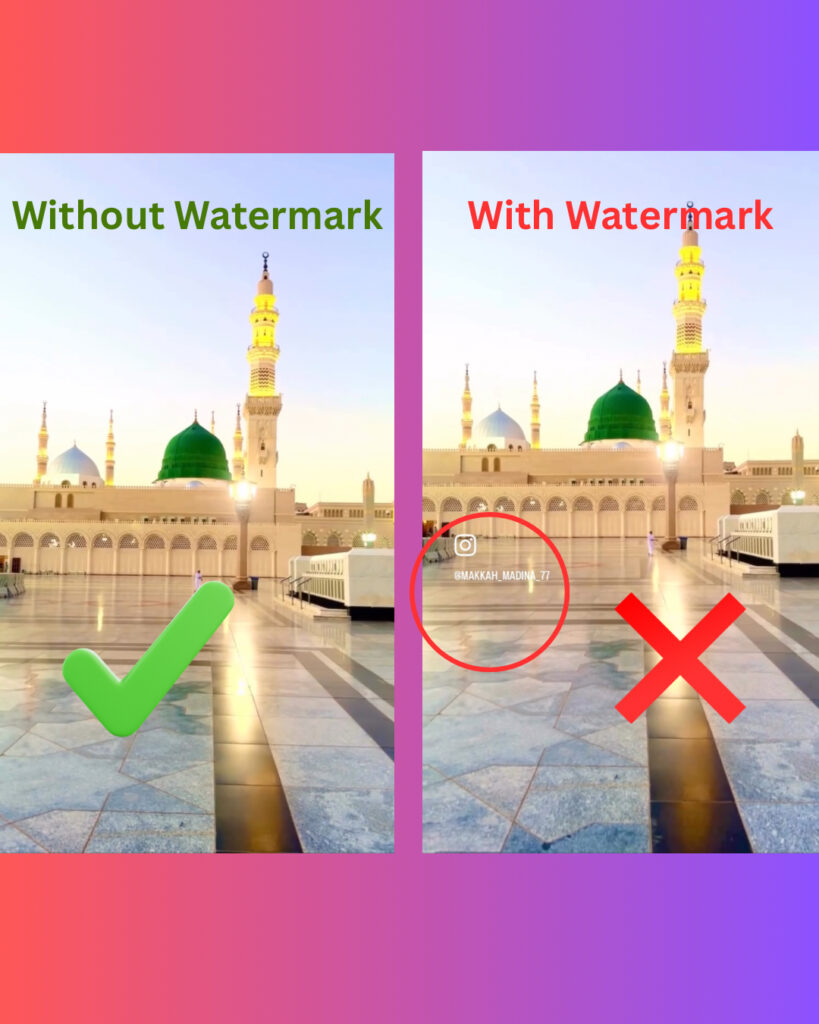
If you are a content creator, you know the struggle: You spend hours editing a perfect video for Instagram, and you want to post it on TikTok or YouTube Shorts to get more views.
But there is a huge problem.
If you simply save the video from Instagram and upload it to TikTok, it will have the Instagram Watermark (the bouncing logo). TikTok’s algorithm specifically punishes videos with watermarks from other apps. If TikTok sees that logo, it will hide your video from the “For You” page, killing your views.
In this guide, I will show you how to repost instagram reels on tiktok in 1080p without the watermark using SocialDownload.app so you can repost them safely on any platform.
Why You Must Remove Watermarks (TikTok Algorithm Secret)
If you are reposting Reels directly to TikTok with the Instagram logo still visible, you are killing your reach.
TikTok has officially confirmed that its algorithm actively suppresses content that features watermarks from other apps (like Instagram or YouTube Shorts). Their AI scans every uploaded video, and if it detects the “Reels” logo, it flags the video as “Low Quality Repost.”
The Consequence:
- Your video will not be shown on the “For You” Page (FYP).
- It will only be shown to your existing followers (if you are lucky).
- Your chance of going viral drops to near zero.
The Solution: To trick the TikTok algorithm into thinking your video is original content, you must upload a clean, raw MP4 file with no logos. This is the secret strategy top influencers use to go viral on both platforms simultaneously.
Why You Should Never Repost Watermarked Videos
TikTok’s algorithm suppresses videos that have an Instagram watermark. To go viral, you must download the raw 1080p file using a third-party tool like SocialDownload, which removes the logo, before uploading it to TikTok.
Social media platforms like TikTok, YouTube Shorts, and Instagram are competitors. They do not want you advertising their rival on their app. You should know How to Repost Instagram Reels on TikTok
- TikTok’s Policy: TikTok officially stated that they de-prioritize content that has a “visible watermark from a competitor.”
- The “Low Quality” Flag: Videos downloaded directly from Instagram are often compressed. Re-uploading a blurry video makes your account look unprofessional.
- Viewer Psychology: Users want original content. Seeing a watermark tells them, “This is just a repost,” and they are more likely to scroll past.
Step 1: Get the Original Link
Don’t use the “Save Video” button inside Instagram.
- Open the Reel you created (or the one you want to repost).
- Tap the three dots (…) or the Share icon.
- Tap Copy Link.
Step 2: Remove the Watermark (The Secret Trick)
This is where most creators get it wrong. instead of using a screen recorder (which ruins quality), use a clean downloader.
- Open SocialDownload.app in your browser.
- Paste the link and hit Download.
- Save the MP4 file to your Gallery.
Now you have a “Clean” file—just like the original project file on your computer.
Step 3: Uploading to TikTok & YouTube Shorts
Now that you have the clean file, you can upload it as if it were a brand new video.
For TikTok:
- Upload the clean video.
- Pro Tip: Add a new Trending Sound from TikTok’s library on top of your video (set the volume to 1% if you want to keep your original audio). This helps you rank in the algorithm.
For YouTube Shorts:
- Upload the file.
- YouTube is strict about music copyright. If your Instagram Reel has a pop song, YouTube might block it. It is safer to use YouTube’s “Add Sound” library for music.
Optimization Tips: One Video, Three Platforms
Just because you have the clean video file doesn’t mean the work is done. To go viral, you need to adapt the video slightly for each platform.
- TikTok SEO: TikTok is now a search engine. Instead of short, aesthetic captions like on Instagram (e.g., “Vibes ✨”), write descriptive captions that explain the video (e.g., “How to bake a chocolate cake in 5 minutes”). This helps TikTok show your video to the right people.
- YouTube Shorts Titles: On YouTube, the Title is the most important factor. Make it punchy and under 50 characters so it doesn’t get cut off on mobile screens.
- File Naming: Before you upload the file you downloaded from SocialDownload.app, rename it! Instead of
Video_123.mp4, rename it toyour-video-topic.mp4. Believe it or not, YouTube reads the filename to understand what the video is about.
Is Reposting Legal? (Copyright Warning)
This is a very common question. The answer depends on who owns the video.
- If it is YOUR video: Yes! You own the content. You can post it on Instagram, TikTok, LinkedIn, and YouTube. In fact, you should do this to maximize your reach.
- If it is SOMEONE ELSE’S video: Be careful.
- Reposting for reaction/duet: This is usually Fair Use.
- Reposting as your own: This is copyright infringement. If you download someone else’s viral Reel and post it to your TikTok account to get likes, they can strike your account. Always give credit (e.g., “Video by: @Username”) in the caption.
Conclusion
Cross-posting is the smartest way to grow your audience in 2026. Don’t let a watermark ruin your hard work. By using SocialDownload.app, you ensure your content looks premium and algorithm-friendly on every platform.
Q: Will TikTok ban me for reposting Reels?
A: No, but they will hide your video if it has a visible watermark. Always upload clean video files.
Q: Can I monetize reposted content?
A: Only if you own the original content. Reposting other people’s videos without transformative editing may disqualify you from creator funds.