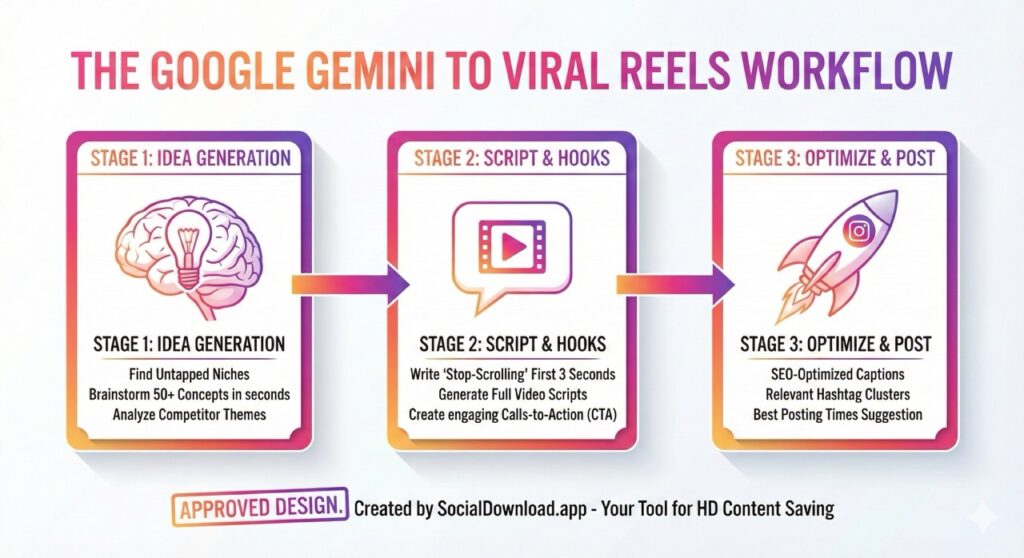
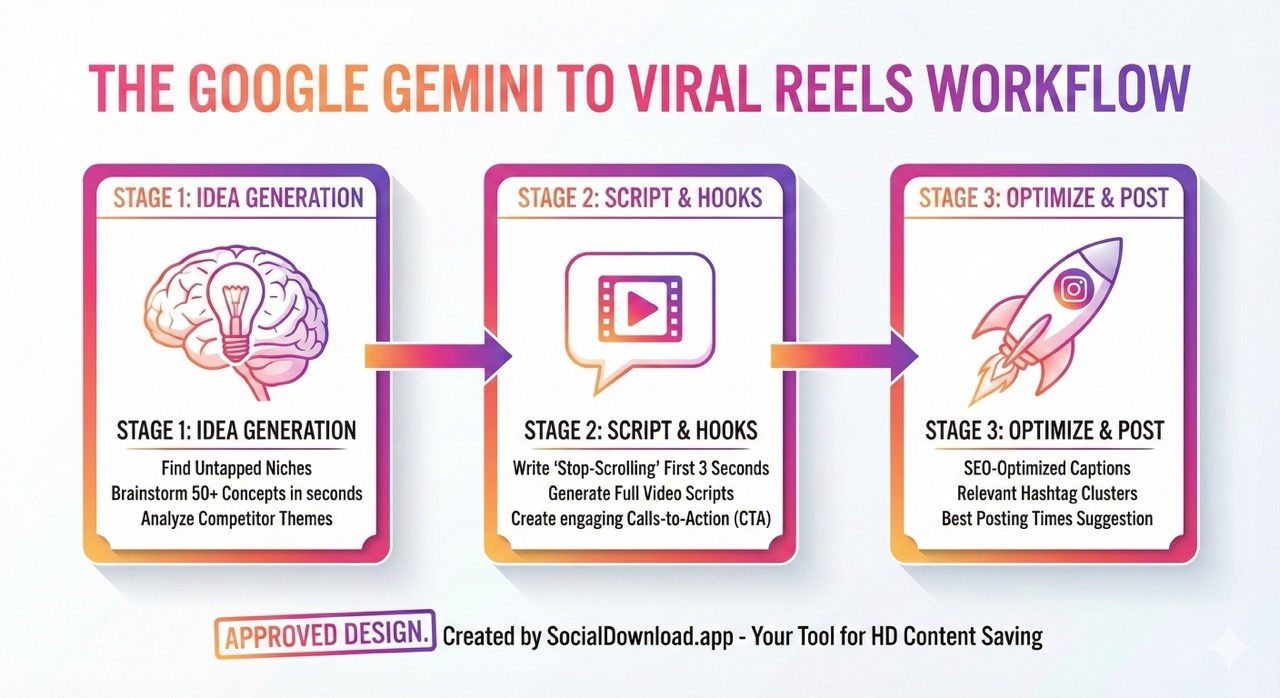
The biggest struggle for any Instagram creator isn’t filming or editing—it’s the constant pressure to come up with new, engaging ideas.
If you feel like you are running on a content treadmill, it’s time to bring in some backup.
Enter Google Gemini. This is not just another chatbot; it is Google’s most powerful AI model yet. Clever creators are already using it as their secret weapon to bypass writer’s block and structure videos that the algorithm loves.
In this guide, we will show you exactly how to use Google Gemini to generate viral ideas, write killer scripts, and optimize your captions for maximum reach on Instagram Reels.
The Infinite Idea Generator
To use Google Gemini for Instagram ideas, use specific persona prompts. Ask the AI to ‘Act as a social media manager’ and generate 10 controversial or educational hooks for your specific niche. This produces better results than generic queries.
Stop staring at a blank screen hoping for inspiration. You can use Gemini as your personal brainstorming assistant that never gets tired.
The key is giving it specific “persona” prompts. Don’t just ask for “ideas.”
Copy-Paste Prompts to Try:
“Act as an expert social media strategist for the [Your Niche, e.g., Fitness/Cooking] niche. Give me 20 unique, engaging Instagram Reel ideas that are currently trending. Focus on ‘edutainment’—educating while entertaining.”
“I am a [Your Job, e.g., Real Estate Agent]. What are the top 10 biggest misconceptions my clients have? Turn these into catchy titles for 30-second Instagram Reels.”
Gemini will instantly give you a list of workable concepts that you can start filming today.
Scripting the Perfect “Hook” (The First 3 Seconds)
On Instagram Reels, you have less than 3 seconds to grab attention before they swipe away. If your hook is weak, your video dies.
Gemini excels at writing punchy, attention-grabbing openers.
Copy-Paste Prompts to Try:
“I am making a Reel about [Your Topic, e.g., How to save money on groceries]. Write 5 different ‘hooks’ for the first 3 seconds of the video. Make them controversial, surprising, or ask a challenging question to stop the scroll.”
Once you have the hook, you can ask it to outline the rest:
“Great, I like hook #3. Now, write a 30-second video script using that hook. Keep the sentences short and punchy for fast-paced editing.”
SEO Captions and Hashtags
Instagram is now a search engine. Your caption needs keywords so people can find your video, but writing long captions is tedious. Let AI handle the heavy lifting.
Copy-Paste Prompts to Try:
“Write an engaging Instagram caption for this video script [paste your script here]. The tone should be friendly but authoritative. Include line breaks, emojis, and a clear Call to Action (CTA) asking people to save the video for later.”
“Generate a list of 30 highly relevant hashtags for a Reel about [Your Topic]. Mix high-competition tags (1M+ posts) with niche-specific tags (under 100k posts) for the best chance of ranking.”
Don’t Just Copy-Paste Blindly
Google Gemini is incredibly powerful, but it lacks your unique human voice.
Use the AI output as a first draft. Tweak the language to sound like you. Add your personal stories and experiences. The combination of AI efficiency and human authenticity is how you win in 2026.
Spy on Your Competitors with Gemini
One of the most powerful (and underrated) ways to use Google Gemini is for competitor analysis. You don’t need expensive tools to find out why your competitors’ videos are going viral—you just need to ask the AI.
How to do it:
- Find a viral Reel in your niche (one with 1M+ views).
- Transcribe the video (or just listen and type out the main points).
- Paste the text into Gemini with this prompt:
“I am pasting the script of a viral Instagram Reel below. Analyze WHY this video went viral. Break down the psychology of the hook, the pacing, and the emotional trigger. Then, write 3 new script variations for my brand that use the same psychological structure but with my own unique topic.”
Gemini Free vs. Gemini Advanced: Do you need to pay? For most creators, the free version of Gemini is more than enough to generate ideas and captions. However, if you want to upload video files directly for analysis or generate images (like the infographic above), you might consider Gemini Advanced. But to start? Stick to the free version. It is faster and smarter than most paid tools out there.
Conclusion
Using AI like Google Gemini isn’t “cheating”; it’s smart strategy. By speeding up your idea and scripting process, you have more time to focus on filming high-quality content.
And remember, once you create that perfect viral Reel, don’t let it live only on Instagram. Download the high-quality version using SocialDownload.app and cross-post it to TikTok and YouTube Shorts to triple your views!